
Download WooCommerce – online store, WordPress plugin, e-commerce, product management, payment integration
Overview
WooCommerce is a mobile application designed to support WordPress users in managing their online stores directly from their smartphones. The app enables users to oversee key aspects of their e-commerce operations, including product listings, inventory updates, and payment configurations. It serves as a mobile extension of the widely used WooCommerce plugin, allowing users to stay connected with their store’s performance and operations while on the go. This is particularly beneficial for small business owners, digital entrepreneurs, and content creators who rely on WordPress for their online presence.
The app targets individuals who manage online retail ventures and require real-time access to product data, order tracking, and customer interactions. While the developer, Automattic, is known for its expertise in web publishing tools, specific details about the app’s development history or technical architecture were not provided. The app is part of a broader ecosystem that includes the core WordPress platform and the desktop version of WooCommerce, reinforcing its role in a unified digital commerce workflow.
Real-world use cases include checking order statuses during travel, updating product descriptions after receiving customer feedback, or approving payments from a remote location. Its presence in the productivity category highlights its function as a utility tool rather than a standalone e-commerce platform. The app enhances the overall digital commerce experience by extending critical functionality beyond desktop environments.
Key Features & Functionality
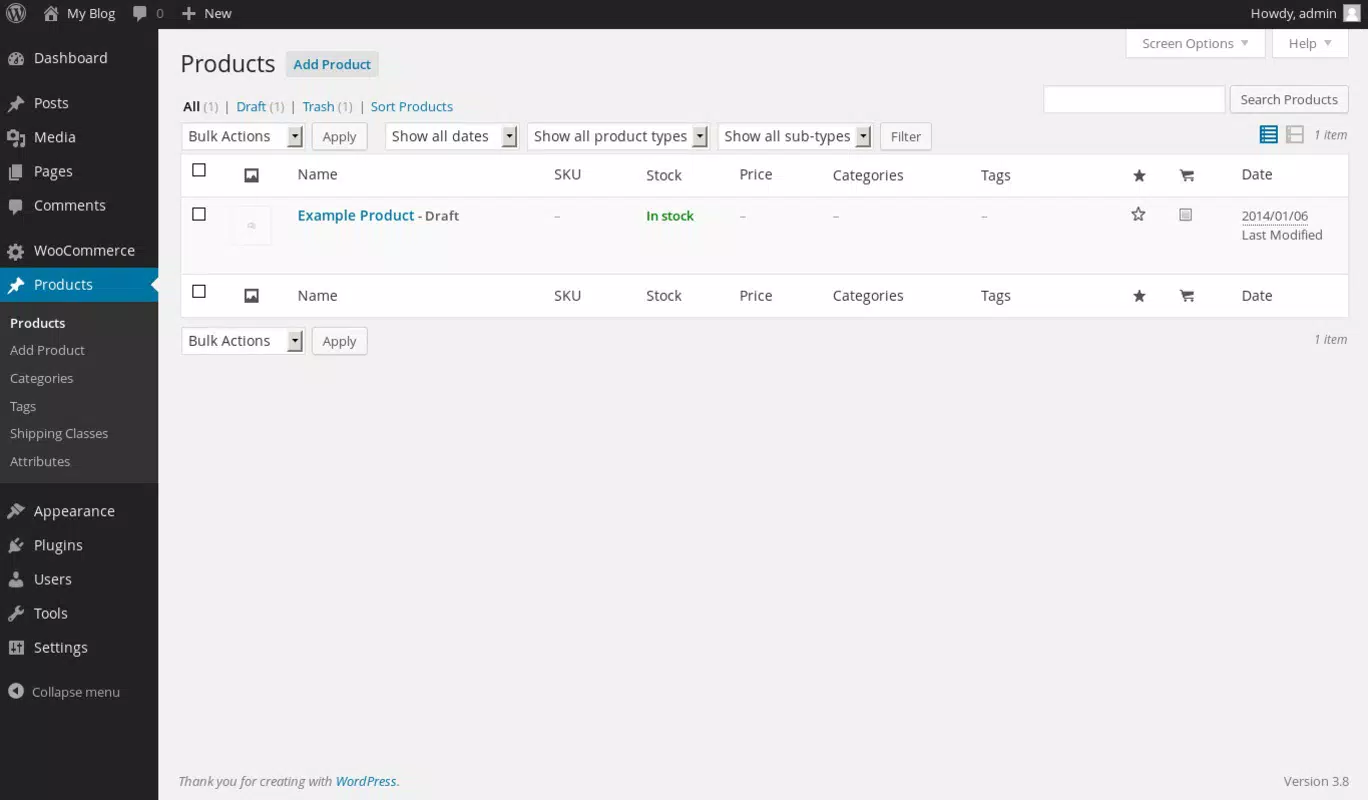
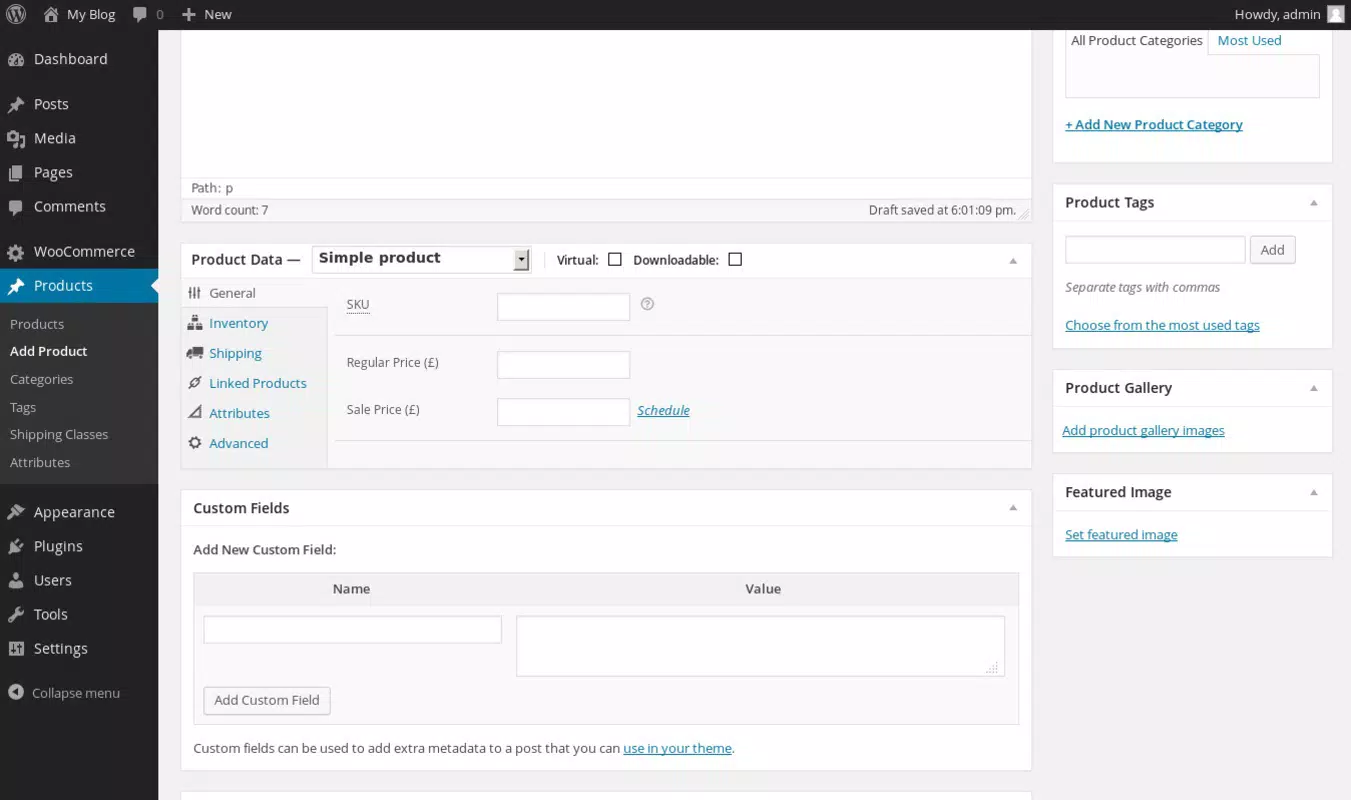
- Mobile Product Management: Users can view, edit, and add new products directly from the app. This includes uploading images, updating descriptions, and assigning categories, enabling real-time inventory control.
- Order Monitoring: The app allows users to track new and existing orders, view order details, and update statuses such as processing, shipped, or completed.
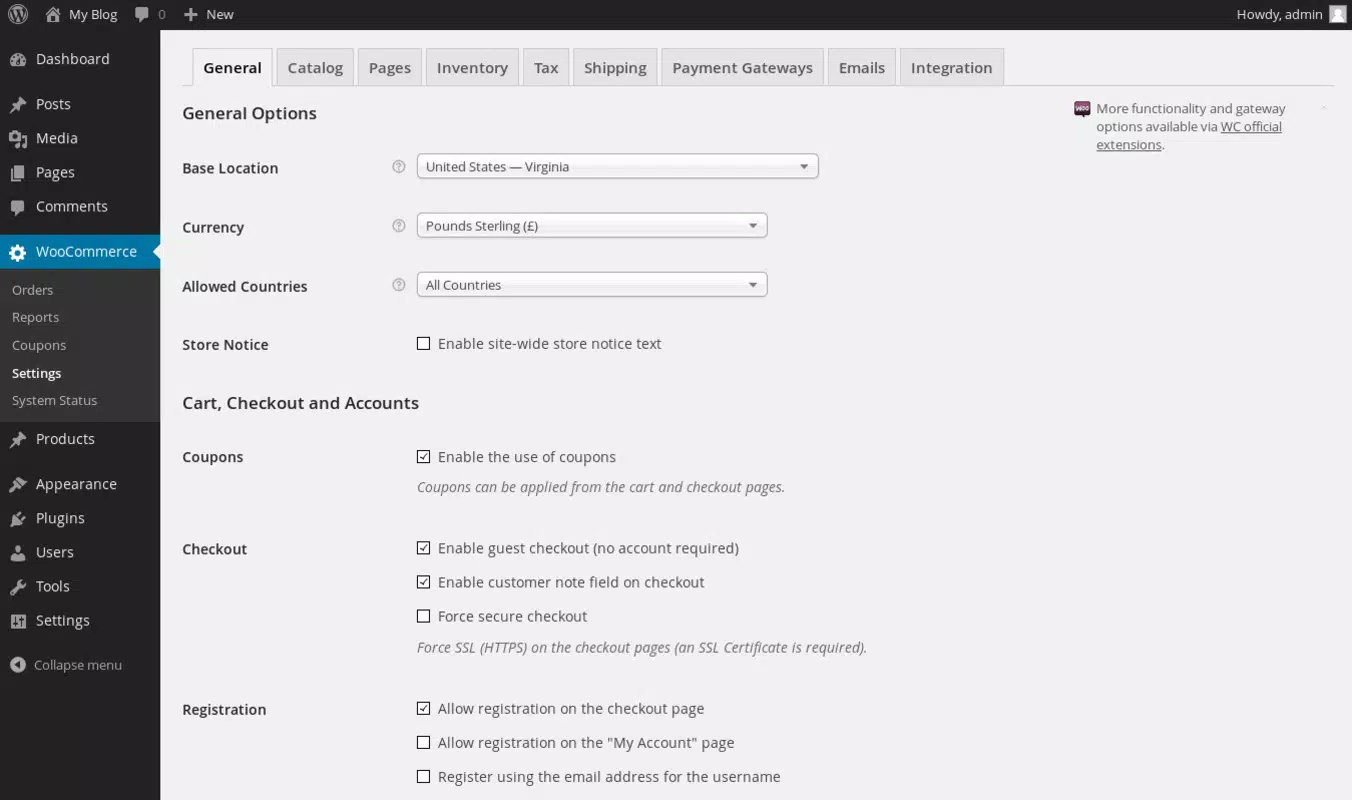
- Payment Configuration Access: Users can review payment methods and transaction details, ensuring transparency and timely reconciliation of sales.
- Real-Time Notifications: The app delivers alerts for new orders, low stock levels, and payment confirmations, helping users respond promptly to business needs.
- Integration with WordPress Ecosystem: Seamless sync with the desktop version of WooCommerce ensures consistency across devices, maintaining data integrity and workflow continuity.
For example, a store owner attending a trade show can use the app to update product availability after a bulk sale, notify customers of shipping changes, or confirm payments received via mobile. The feature set supports efficient, on-the-go management without requiring access to a computer. This level of accessibility strengthens the user’s ability to maintain a responsive and customer-focused operation.
Interface, UX & Performance
The user interface of WooCommerce is designed with clarity and functionality in mind, featuring a clean layout that prioritizes essential actions. Navigation is structured around a bottom tab bar with key sections such as Products, Orders, and Settings, enabling quick access to core features. The visual style aligns with modern mobile design principles, using consistent icons, readable typography, and intuitive color coding for status indicators.
Navigation flow is linear and predictable, minimizing user confusion. Users can move between sections with minimal taps, and contextual menus provide relevant options based on the selected item. The app responds promptly to inputs, with smooth transitions between screens and minimal loading delays. Although the developer did not list formal performance metrics, the app appears stable under standard usage conditions, with no reported crashes or freezes.
Performance across different device categories—such as mid-range smartphones and high-end tablets—was not officially documented. However, the app’s lightweight size of 10.5 MB suggests efficient resource usage, which likely contributes to consistent responsiveness. Stability is maintained through regular background syncs with the WordPress backend, ensuring data accuracy without overwhelming device storage or battery.
Platform Compatibility & Technical Requirements
WooCommerce is available exclusively on the Android platform. The current version is 1.0.0, with a file size of 10.5 MB. The developer did not specify minimum OS requirements or compatibility details for specific Android versions. As such, users should ensure their devices meet general Android standards for app installation and operation.
Compatibility with different device types, including smartphones and tablets, was not fully disclosed. However, the app’s design appears to support various screen sizes, given its adaptive layout. Users are advised to check their device’s settings and update their Android system to the latest stable release to ensure optimal performance.
Pros and Cons
Pros
- Free to download and use, making it accessible for small business owners and independent sellers.
- Lightweight size (10.5 MB) ensures quick installation and minimal storage impact.
- Provides real-time access to product and order data from mobile devices.
- Seamless integration with the desktop WooCommerce plugin and WordPress ecosystem.
- Intuitive interface designed for users with basic WordPress experience.
Cons
- Specific OS version requirements were not listed, which may affect installation on older devices.
- Limited functionality compared to the full desktop version of WooCommerce.
- No information on support for iOS or other mobile platforms.
- Advanced features may require additional configuration on the desktop side.
- Customization options within the app are not detailed in the provided materials.
FAQ
Is WooCommerce available for iOS devices?
The developer did not provide information on iOS compatibility. The app is currently available only on Android.
Can I manage my entire online store using only the WooCommerce mobile app?
While the app allows for core tasks like product updates and order tracking, full store management—including theme customization and advanced settings—requires the desktop version of WooCommerce.
Is the app secure for handling sensitive business data?
As a tool integrated with WordPress, the app relies on the security protocols of the user’s WordPress site. Users should ensure their site uses HTTPS and strong authentication methods.
How often does the app update?
Specific update frequency was not disclosed. Users should check the app store for new releases and ensure they are using the latest version.
Do I need a WordPress site to use the WooCommerce app?
Yes. The app is designed to work exclusively with WordPress sites that have the WooCommerce plugin installed and configured.
Final Thoughts
WooCommerce delivers a practical, mobile-first solution for WordPress users who need to manage their online stores on the go. Its lightweight design, intuitive interface, and seamless integration with the desktop ecosystem make it a valuable tool for small business owners and digital entrepreneurs. While it does not replace the full functionality of the desktop platform, it provides essential access to real-time data and critical operations.
For users already invested in the WordPress and WooCommerce ecosystem, this app enhances productivity and responsiveness. It is particularly suited for those who travel frequently or manage their store from remote locations. The free pricing model and minimal system requirements further improve its accessibility.
Download WooCommerce now


